

Healthcare
An appointment reminder workflow that handles patient replies
What should the next reminder say when a patient confirms, cancels, or asks for a different time? Use the scorecard to track attendance and rescheduling.
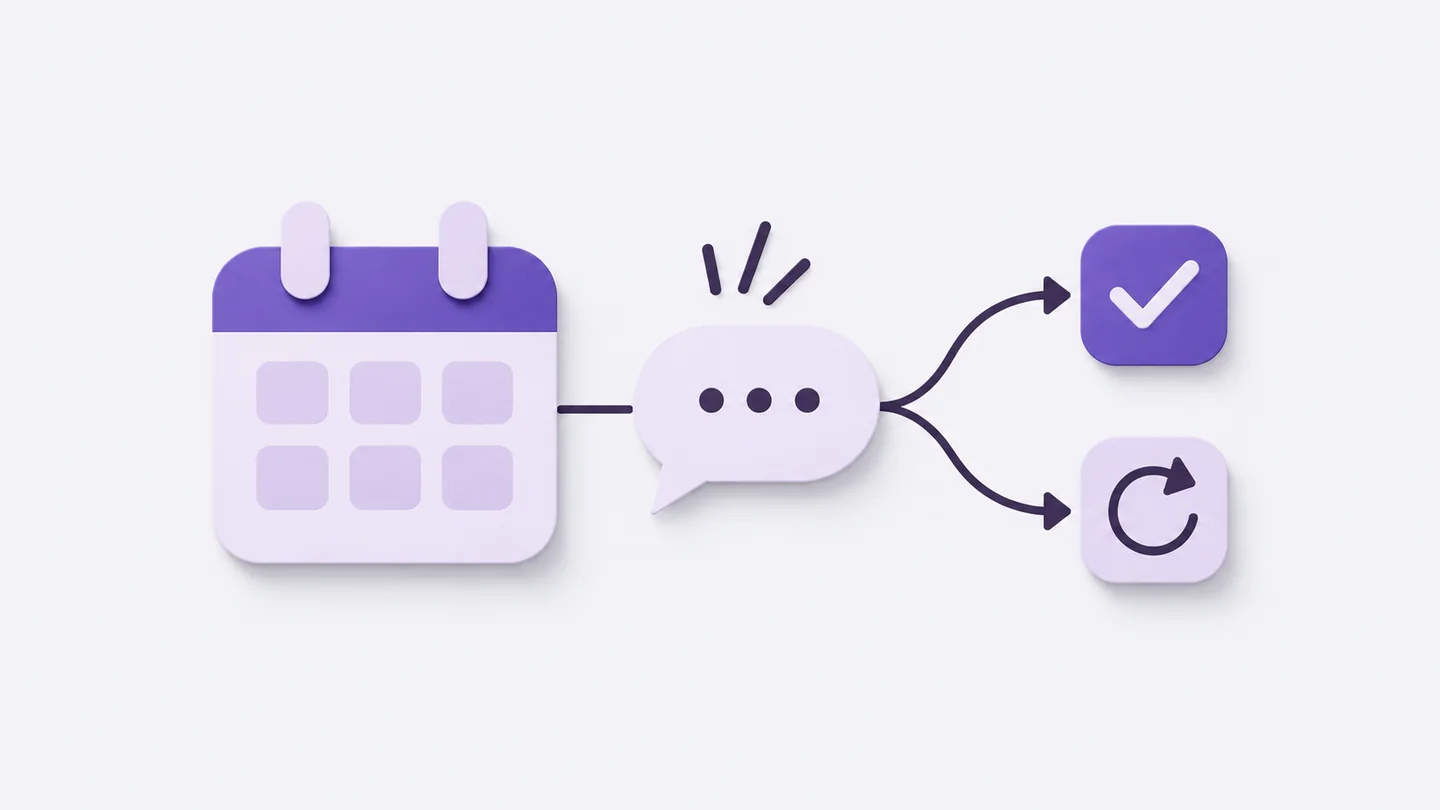
Appointment reminders can reduce missed visits, but a reminder alone does not resolve a patient's request to reschedule. A useful workflow lets the patient confirm, change plans, or ask for help—and makes sure that response changes what happens next.
- At booking
Use the confirmed appointment details.
- Three days before
Ask the patient to confirm or request a change.
- Confirmed
- Save the response and end repeat confirmation requests.
- Reschedule or cancel
- Route the request. Suppress old reminders when the source schedule changes.
- Staff help
- Assign an owner and due time. Leave the appointment in place.
- No response
- Keep the appointment and follow the practice’s contact limit.
- One day before
Recheck the schedule and the reply before sending another reminder.
- After the visit time
Reconcile attendance with the scheduling system.
AI is most useful when interpreting replies or handing work between systems adds value. A straightforward confirmation link may be enough for a practice with simple scheduling needs. Evaluate the extra capability against the same reminder workflow without AI.
Separate reminder evidence from AI claims
A 2023 systematic review of appointment non-attendance interventions included 61 studies, 56 of which assessed reminders. It found evidence supporting reminders across settings, with mixed findings about the most effective delivery methods.
That is evidence for reminders. It is not proof that generative AI outperforms a well-run SMS reminder, that one sequence suits every specialty, or that Tremi produces a particular reduction in no-shows.
Use the practice's own baseline. Appointment type, lead time, transportation, patient preferences, and scheduling access can all affect attendance. A broad published average is a poor substitute for knowing which appointments your practice loses and why.
Start with a sequence staff can explain
Choose when to send reminders, how many to send, and who should handle replies for each appointment type.
- At booking: send an approved confirmation with the appointment details the channel permits and a way to request a change. Use the scheduling system's confirmed record.
- Three days before: ask whether the patient plans to attend or needs help changing the appointment. Give staff enough time to handle the response.
- One day before: if still appropriate, send a concise reminder. Avoid repeating a request the patient has already answered.
- After an unresolved response: assign a staff task with a due time. Keep the appointment unchanged until the scheduling team or an authorized integration confirms a change.
- After the appointment time: reconcile against the scheduling system before starting any missed-visit follow-up.
For an appointment booked the same day, skip obsolete steps rather than sending the entire sequence at once. Recheck the appointment's status before each send so a cancellation or reschedule suppresses messages about the old slot.
This is a reminder from your care team about your appointment on Thursday at 2 p.m. Please reply to confirm, request a different time, or ask for a callback.
The practice must approve the sender identity, wording, communication preferences, and any required identity checks. A message template does not by itself establish compliance.
Make every response change the next step
The patient confirms. Record the confirmation and stop further confirmation requests. Keep only the reminders or preparation messages the practice has chosen.
The patient asks for another time. Check the supported scheduling connection or assign staff to help. Do not describe the replacement as booked until the scheduling system confirms it. Suppress stale reminders once the old appointment actually changes.
The patient asks to cancel. Follow the practice's approved verification and cancellation process. Acknowledge receipt of the request separately from confirmation that the appointment was canceled.
The patient mentions transportation, cost, or preparation concerns. Route the issue to a team that can help. More reminders cannot resolve those obstacles. Clinical questions go to qualified staff rather than an automated scheduling answer.
The patient opts out or reports a wrong number. Stop messaging that recipient through the affected channel and send the record for the appropriate review.
The patient does not respond. Leave the appointment in place. No response is not permission to cancel an appointment, release a slot, or treat the patient as a no-show.
An ambiguous response should create a visible exception. “Maybe, depends on my ride” should not become a confirmed attendance record merely because the patient replied.
Keep patient messages discreet
HHS guidance on leaving patient messages advises limiting disclosed information and accommodating reasonable requests for confidential communication.
For a reminder workflow, that means applying the practice's communication preferences, choosing an approved amount of detail, and providing a staff route when identity or recipient access is uncertain. Avoid adding a diagnosis or sensitive procedure description simply to make a reminder more specific.
Track attendance and recovered capacity separately
Use the same definitions and cancellation cutoff for both periods.
Use appointments scheduled to occur during the reporting period. Count a rescheduled appointment under its original slot's outcome and track the replacement as a separate appointment; do not silently remove the original slot from the history.
- No-show rate: appointments recorded as no-shows ÷ appointments expected to occur, excluding confirmed cancellations and reschedules made before the practice's cutoff. State the cutoff and show late cancellations separately.
- Advance cancellation rate: appointments canceled before the cutoff ÷ all original appointment slots in the cohort.
- Reschedule rate: original appointments moved before the cutoff ÷ all original appointment slots in the cohort.
- Recovered-slot rate: released slots filled by another patient who attended ÷ released slots eligible to be refilled. A waitlist invitation alone is not recovery.
- Response completion: patient requests resolved within the practice's target time ÷ patient requests requiring action.
- Staff workload: minutes spent handling reminder responses and exceptions per 100 original appointment slots.
Suppose 100 original slots produce 80 attended visits, 10 no-shows, six advance cancellations, and four advance reschedules. The no-show rate is 10 ÷ 90, or 11.1%. The cancellation and reschedule rates are 6% and 4%.
A lower no-show rate accompanied by more timely cancellations can be useful. It does not establish that more patients attended or more capacity was recovered. Report those outcomes too.
Configure the workflow in Tremi
Tremi can coordinate the call or message, capture a response, and trigger a follow-up action in a connected tool. The scheduling connection and configured permissions determine whether that action can update the appointment directly or must create a staff task.
Before a pilot, test a confirmed appointment, a reschedule, a cancellation request, an ambiguous response, an opt-out, and no response. Also test a change made by staff between two reminders. The old appointment should not continue receiving messages after the system confirms that change.
Start with the healthcare provider workflows, then map the practice's actual scheduling system and handoff responsibilities. Ask to see the response recorded, the next action changed, and the exception visible to staff.
Compare the workflow fairly
Use a comparable baseline or a controlled pilot where appropriate. Keep reminder timing and patient mix similar when trying to measure the extra value of AI; otherwise, the comparison combines several changes.
Review attendance, timely cancellations, recovered capacity, unresolved requests, and staff time together. Investigate wrong-recipient contacts and ignored requests even if attendance improves.
If patients are failing to reach the practice before an appointment exists, begin with the missed-call recovery guide. Reminder automation starts too late to help a caller who never gets a scheduling response.