

Service businesses
How to follow up with a new lead across calls, texts, and email
A lead asks for a Thursday callback. See how to hand it to the right person and stop other calls, texts, and emails once they reply.
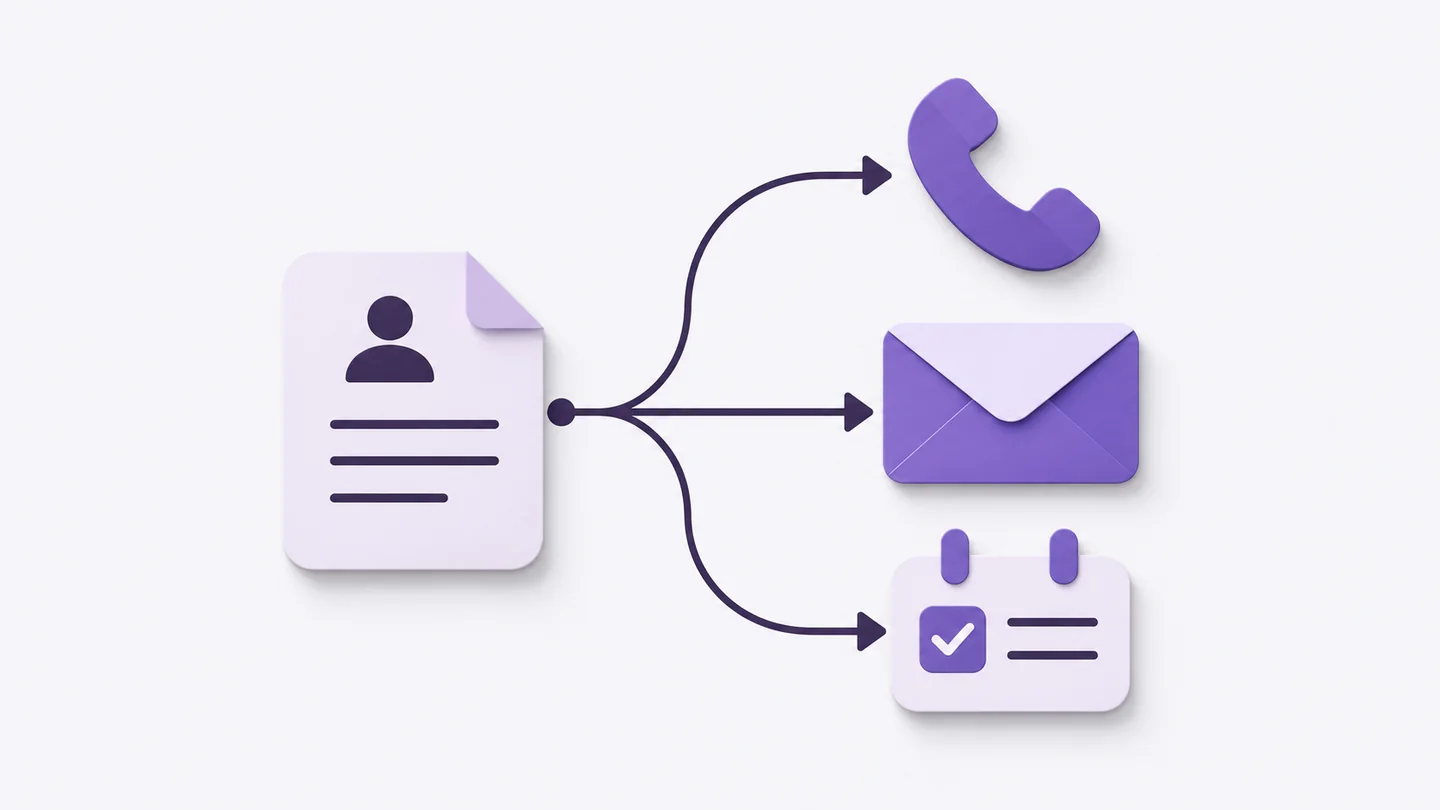
A new inquiry needs a useful next step: an answer, a qualified appointment, or a clear handoff to someone who can help. Calls, texts, and email can support that step, but sending all three does not make a follow-up process effective. The channels need to share the same context and stop when the situation changes.
When an inquiry gets a reply
- “Call me Thursday.”
- Assign a Thursday callback and replace the planned call.
- “Email the details.”
- Send the approved details and log the email in the CRM.
- “Can you price this job?”
- Give the estimator the request and a due time to prepare a quote.
Start with one kind of inquiry and one outcome. For example: a homeowner asks about an air-conditioning repair, and the office needs enough information to arrange a callback. The workflow should collect that information, give it to the right person, and avoid contacting the homeowner again as though nothing happened.
Decide what counts as progress
Write down the outcome before choosing a sequence. “Get a reply” is useful for an initial pilot. “Confirm an appointment” requires an appointment record in the scheduling system. “Create a callback request” means someone still needs to make that call.
For each inquiry, keep a stable inquiry ID, its source, the requested service, the customer's preferred contact method, and the person or queue responsible for the next step. Record the relevant permission to contact the customer. A phone number supplied for one purpose is not a blanket invitation to start every channel.
If a form is submitted twice, connect the submissions to the same open inquiry where appropriate. Otherwise, two individually reasonable workflows can call the same person on the same afternoon.
Give each channel a job
Use text for a short question that is easy to answer. Use email when the customer needs details they can return to, such as what to expect from an assessment. Use a call when the request needs a conversation or the customer has asked to speak with someone.
Choose the channels the customer expects and your business is permitted to use. Twilio's messaging policy requires consent appropriate to the message and a clear way to opt out. A missed call or a stored phone number alone is not your SMS permission record.
Avoid repeating the same question in every channel. If the customer has already described the problem in a form, the next message should acknowledge it and ask only for missing information.
Try a small, explicit sequence
Choose the timing around the customer’s request, local contact hours, and when your team can follow up.
- When the inquiry arrives: check whether it is already handled, whether contact is permitted, and whether someone owns it. During permitted hours, send one acknowledgment through the agreed channel.
- If there is no response by the next business day: try the next appropriate channel once. Explain why you are following up and offer a simple choice.
- If there is still no response after the agreed window: send a final close-the-loop message where permitted, then end this inquiry sequence. Keep the record available if the customer returns.
For the fictional air-conditioning business, an initial text might read:
Hi Taylor, this is Cedar Home Services about your repair request. Would you prefer an office callback this afternoon or tomorrow morning? Reply STOP to unsubscribe.
An email could provide context rather than another generic nudge:
Subject: Your air-conditioning repair request
Hi Taylor, our office can help arrange the next step. Please reply with a convenient callback window and whether the system has stopped cooling completely. We will confirm availability before an appointment is booked.
These are message-body examples. Add the sender details and unsubscribe mechanisms required for your actual use. The FTC's commercial-email guidance explains that a message's purpose determines which requirements apply; calling something a follow-up does not settle that question.
Let the response change the plan
A useful workflow has a deliberate response for each likely event:
- “Tomorrow morning works.” Save the preference, stop generic reminders, and assign the callback. Do not describe an unconfirmed time as a booking.
- “How much will it cost?” Send the question to someone authorized to discuss pricing. Do not invent an estimate or discount.
- “I already booked.” Stop the current outreach while staff verify the matching appointment. Do not keep nudging because the booking integration is delayed.
- “Not interested” or an opt-out. End the relevant outreach and record the restriction so another channel does not restart the pitch.
- No response. Continue only within the attempt limit and time window you chose.
Give unresolved questions an owner and a due time. “Forwarded to the team” is incomplete if nobody is responsible for opening the request.
Measure inquiries, not just messages
Choose a cohort, such as all eligible repair inquiries received during one week, and allow the same follow-up window for each inquiry. Count each inquiry once even if it receives several messages.
Track the time to the first useful response, inquiries with a customer reply, callback requests assigned, confirmed appointments, and unresolved inquiries. Keep opt-outs and complaints visible alongside the outcome numbers.
Suppose 24 of 80 eligible inquiries get a reply and 12 lead to confirmed appointments. The reply rate is 30% and the booking rate is 15%.
Put the workflow into Tremi
In Tremi, configure the start, the inputs each step needs, contact timing, the completion condition, and the action for captured information. Confirm that the connected app exposes the records and operations you need. A CRM connection does not by itself prove that an appointment can be created in a separate scheduling system.
Start with synthetic inquiries and destinations you control. Test a reply, a booking reported elsewhere, an opt-out, a duplicate start, and a request your team must handle. Verify the resulting record in the destination app as well as the conversation in Tremi. Tests that contact providers can incur charges.
Use the service-business workflows to choose the first use case. Then define when follow-up should stop and use the results guide to evaluate what the pilot actually accomplished.