

Workflow guides
When customer follow-up should stop
Define what ends outreach, what needs a person, and how replies, bookings, opt-outs, and stale records change the next attempt.
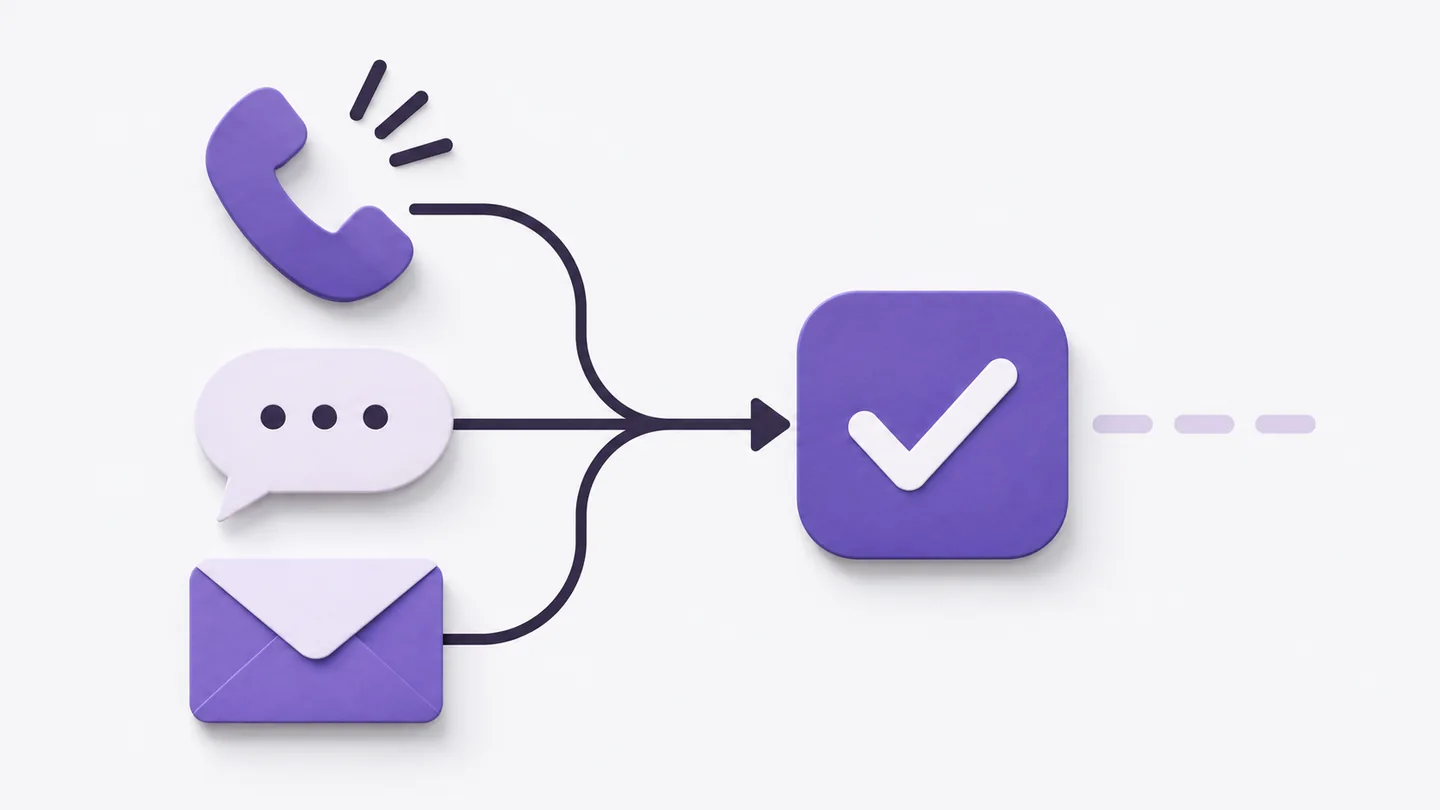
Customer follow-up should stop when its purpose has been met, the customer declines further contact, a person needs to take over, or the information needed to continue is no longer reliable. A sequence also needs an end when nobody responds. Silence should not create an unlimited series of attempts.
The practical question is simple: what new fact would make the next message inappropriate? Write that fact down before scheduling the message. Then decide how the workflow will learn about it and who handles anything left unresolved.
Separate stopping outreach from completing the job
An appointment confirmation can complete a booking workflow. A price question usually cannot. Both may be good reasons to stop generic reminders, but they leave different work behind.
Use a small set of operational outcomes:
- Goal confirmed: the required business record exists, such as a confirmed appointment or accepted quote.
- Staff follow-up needed: the customer replied with a question, exception, complaint, or request for a person.
- Customer declined: the customer said no or asked for the relevant contact to stop.
- Window ended: the attempt limit or follow-up deadline was reached without the goal.
- Information needs checking: the destination, order status, or previous attempt is uncertain.
These are planning labels, not names of Tremi API states. Their purpose is to make the remaining responsibility clear. A run can end while a callback, record correction, or staff decision is still outstanding.
Make a stopping rule specific enough to test
“Stop when booked” leaves several questions unanswered. Which system confirms the booking? Which inquiry does it belong to? Does a cancelled booking count? How quickly does the change reach the outreach workflow?
A better rule says: stop this inquiry's reminders when the scheduling system confirms a non-cancelled appointment linked to this inquiry ID. If the customer says they booked before that record arrives, suspend the generic reminders and ask staff to reconcile the discrepancy.
Use the same business key across the start, the later event, and the record update. A contact can have two open quotes or two separate service requests. Matching only on a phone number may stop the wrong follow-up or leave the intended one running.
Give replies their own handling rules
Do not treat every reply as success. Decide what happens after the common responses:
- An answer to the question: save the answer and perform the next authorized step. If a human must confirm it, create a clearly assigned request.
- A new question: stop repetitive nudges and route the question with the conversation context.
- A request for another time: record the preference and schedule only the contact the customer agreed to.
- A refusal or opt-out: stop the relevant outreach and update the restriction used by future attempts.
- An unclear answer: ask one useful clarification or send it to staff. Do not assume agreement.
For example, “I'm not the homeowner; please call my manager” is neither a booking nor permission to contact an unidentified third party. A person should verify the next contact and the authority to use it.
Treat opt-outs as durable instructions
Ending one run is not enough if tomorrow's import starts another run for the same purpose. Preserve the customer's contact restriction in the system that determines eligibility for future outreach.
Twilio's messaging policy requires honoring SMS opt-outs. Use a conservative operational rule for a broad “do not contact me” request: stop the promotional sequence across channels and have an owner resolve any ambiguity. Changing from text to email should not be a workaround for the customer's refusal.
A delivery failure is different. It may call for correcting a destination or having staff review the record; it is not proof of an opt-out, and it is not automatic permission to try another channel.
Check the timing around the next attempt
Consider a fictional quote follow-up. A text is sent at 10:00, and a call is planned for 14:00. At 13:58 the customer replies, “We went with someone else.” The useful outcome is to record the decline and prevent the planned call.
That requires the reply to reach the correct workflow and the stop to take effect before the call is dispatched. A cancellation cannot retract a message already delivered or guarantee that a provider-accepted call never rings. Review the actual event order when investigating an unwanted contact.
The same principle applies to delayed external updates. If an order-status feed is unavailable, continuing from yesterday's data may be worse than holding the reminder for review.
Test both the stop and the handoff
Before broad use, run a small set of controlled cases:
- A reply arrives during the wait between attempts.
- A booking is confirmed in another system before the next attempt.
- A stop event is repeated, or arrives after a newer event.
- A customer opts out and later appears in a fresh import.
- Two requests share a contact but only one is completed.
- The attempt window expires without a reply.
- Staff cannot complete the promised follow-up immediately.
Inspect whether future outreach ended, whether the reason is understandable, and whether the remaining task reached its owner. A notification being sent is different from someone taking responsibility for it.
In Tremi, configure the completion condition and any supported external-event mappings deliberately. Confirm the behavior of the selected providers and connected apps with test records. Do not assume that any incoming reply or an app connection automatically stops every active workflow.
Review the reasons each week
Count confirmed goals, customer declines, staff handoffs, expired windows, and information problems separately. Review unnecessary-contact incidents and the age of unresolved handoffs. A high stop rate can mean the workflow is responsive; it can also mean the inputs are poor. The reasons tell you which change to make.
Use these rules with the new-lead follow-up guide or the unanswered-quote workflow. The goal is a record that explains what happened and a next step that still makes sense for the customer.